
Support
Edit an athlete's zones and FTP
Update an athlete's cycling FTP, W prime, max heart rate, threshold heart rate, threshold pace and heart-rate zones from the coach portal, so every percentage target on their plan follows.
What changes
Structured steps set as % FTP, % threshold pace or % threshold heart rate show, and go to the watch, in the new numbers.
Steps
1. Open Zones and FTP
Open the athlete and choose Zones and FTP from the calendar toolbar. It needs the athlete's Write their plan permission.
2. Type the new numbers
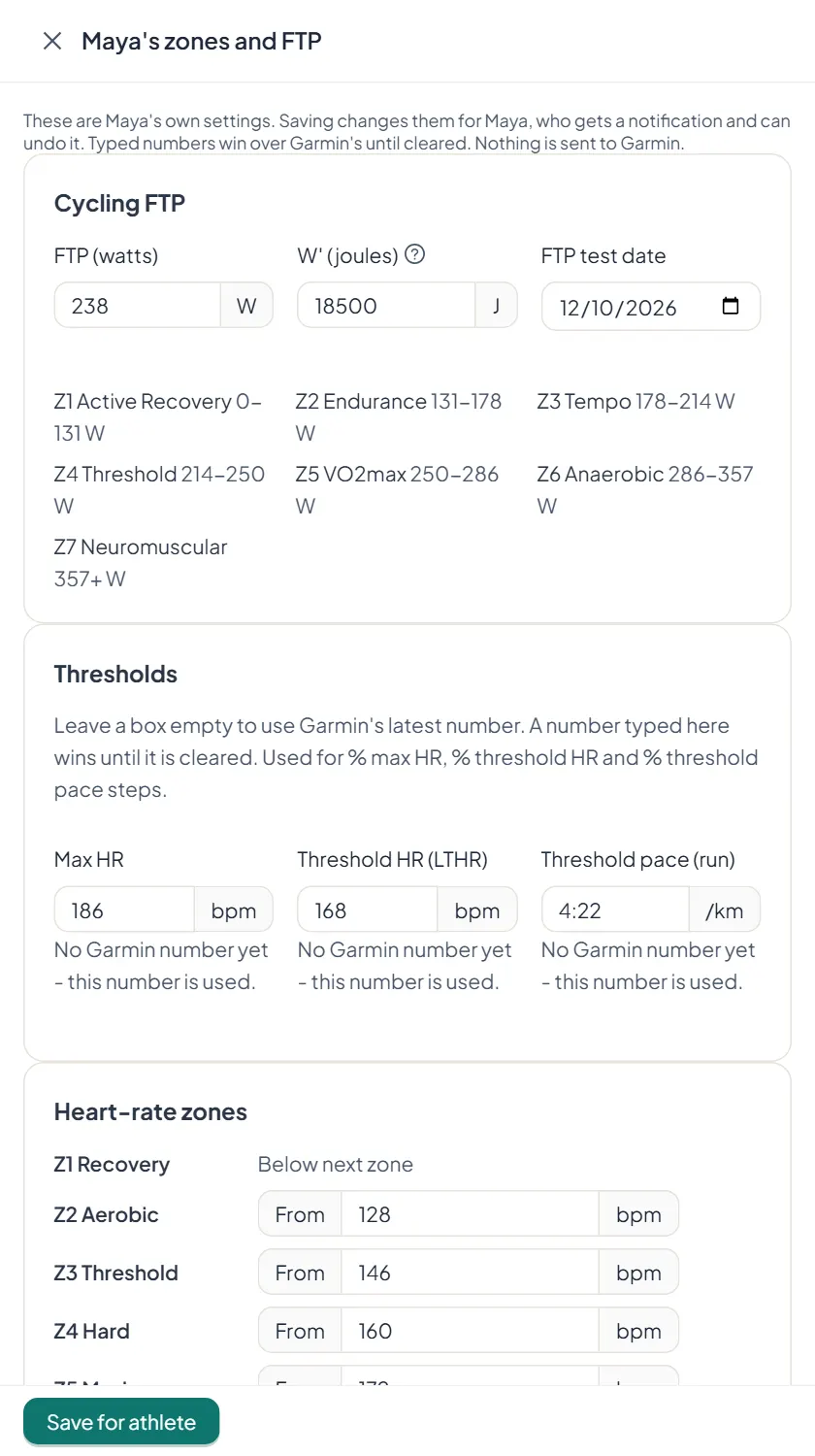
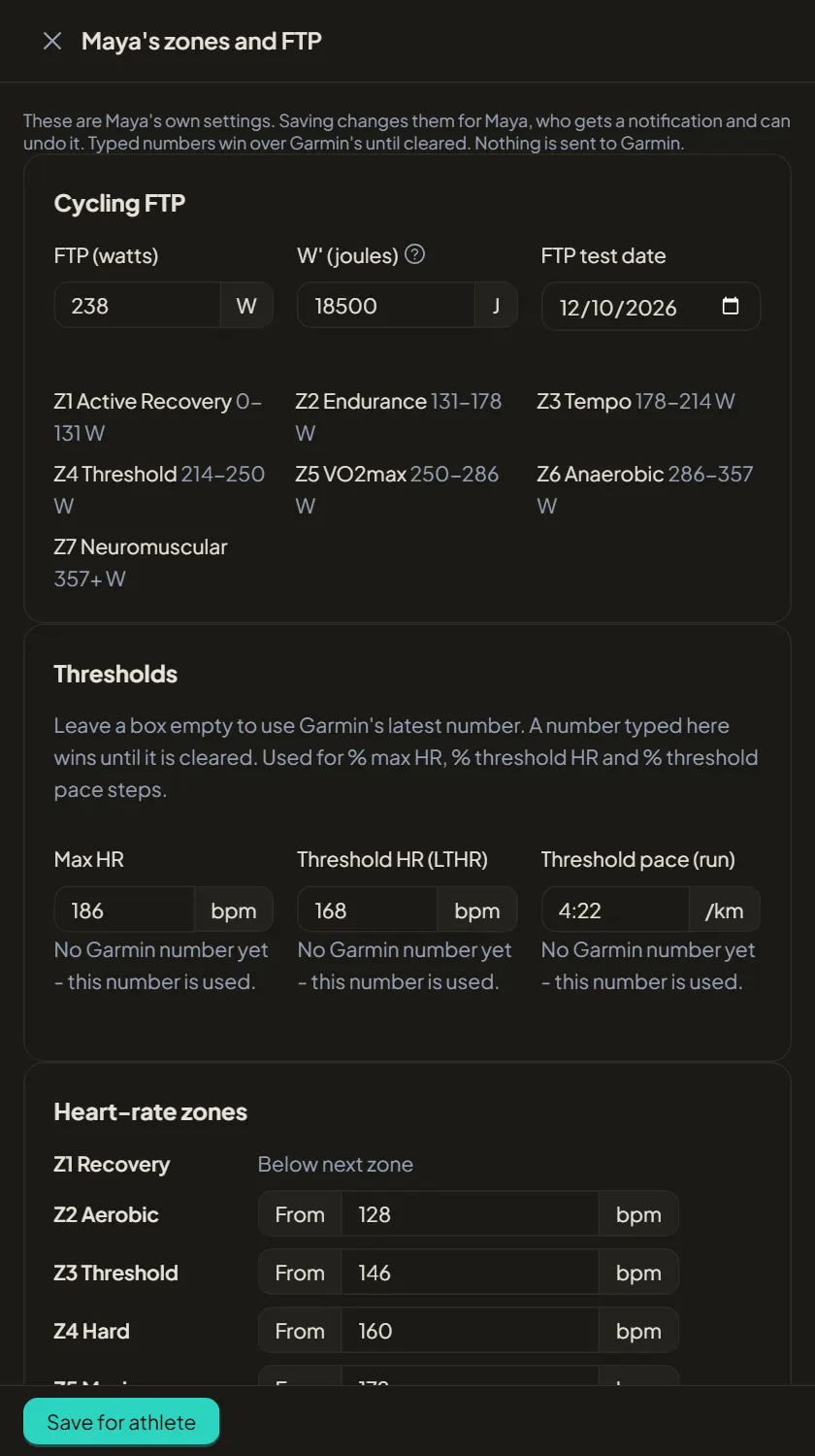
Set cycling FTP, W prime and the test date, max heart rate, threshold heart rate and run threshold pace, and the heart-rate zone boundaries. Leave a box empty to keep using Garmin's latest number.
3. Save for the athlete
Choose Save for athlete. The athlete gets a notification and can undo the change. Numbers you type win over Garmin's until they are cleared. Nothing is sent to Garmin from this screen.