Support
Build workouts: visual builder, form editor and structured targets
Build structured workouts in the coach library with the visual builder or the form editor, set targets as % FTP, % threshold pace or % threshold heart rate, and see them scaled to each athlete.
On the watch
When the athlete allows Send to watch, a structured workout goes to their Garmin watch with the targets in their own numbers, through their own Garmin connection. Editing a template never changes sessions already on calendars.
When an athlete's numbers change
Update their FTP, thresholds or zones and every percentage target on their plan follows.
Steps
1. Start a workout
On Templates, choose New template, or open a card's ... menu and choose Edit. Give it a name, up to five tags and a sport, then pick Intervals / steps.
2. Draw it in the visual builder
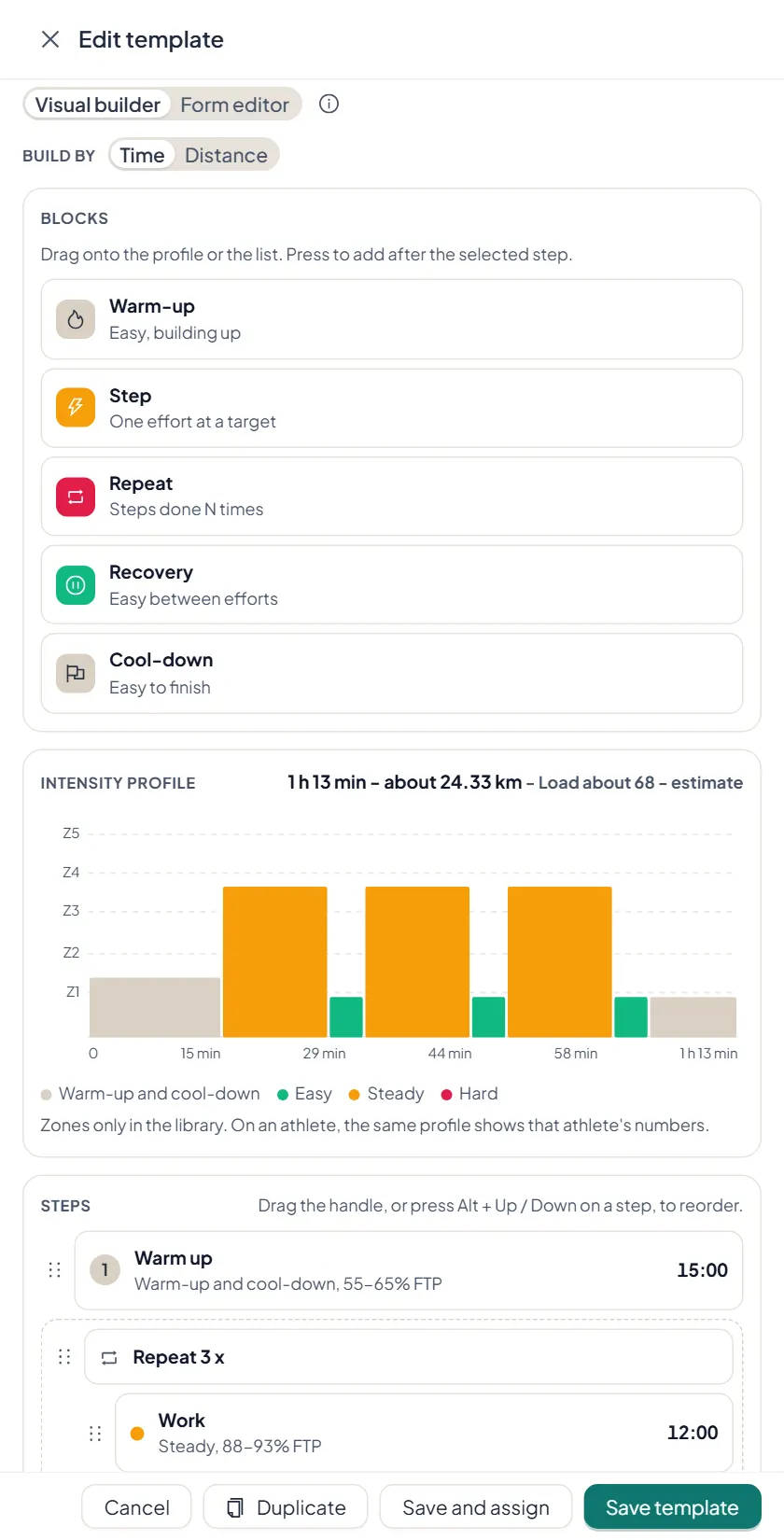
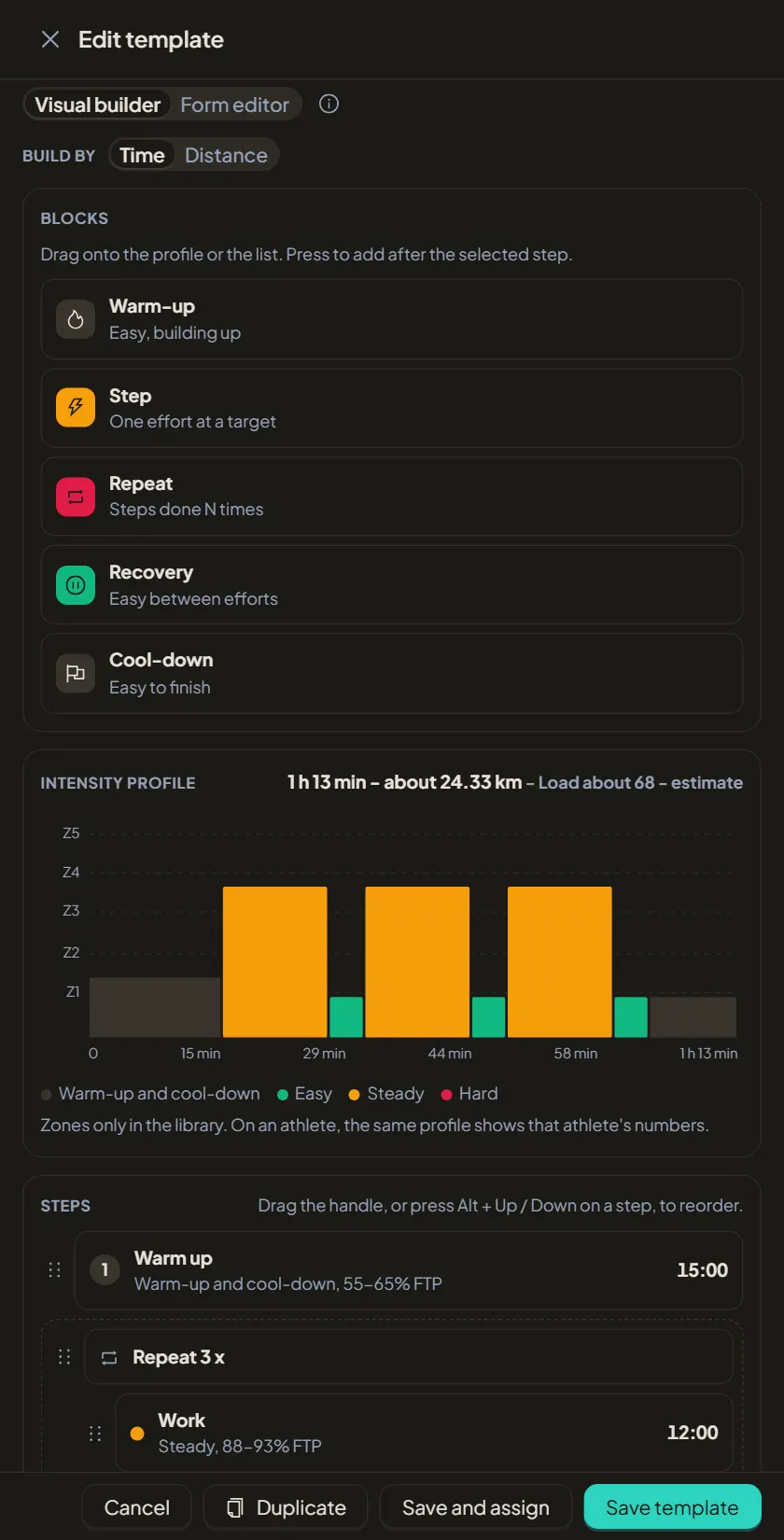
Drag warm-up, step, repeat, recovery and cool-down blocks onto the profile, or press one to add it after the selected step. Build by time or by distance. The intensity profile and a load estimate update as you go.
3. Set structured targets
Give each step a target as % FTP, % threshold pace, % threshold heart rate, % max heart rate or RPE, as a single value or a range. The library shows the percentages and zone labels; on an athlete you see that athlete's own watts, pace and heart rate.
4. Or type it in the form editor
Switch to Form editor to type steps, repeat counts and targets in a list. Both editors save the same workout, so use whichever is quicker.
5. Find it again
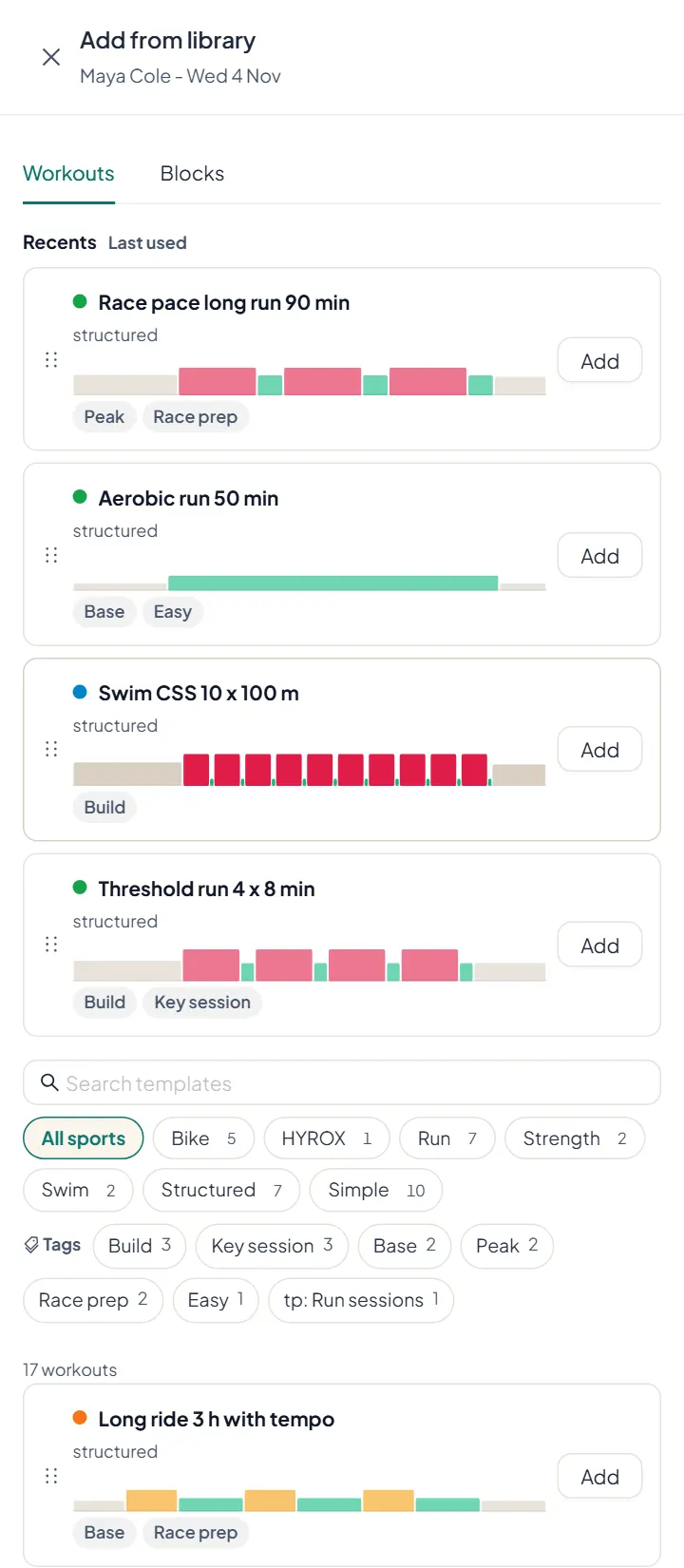
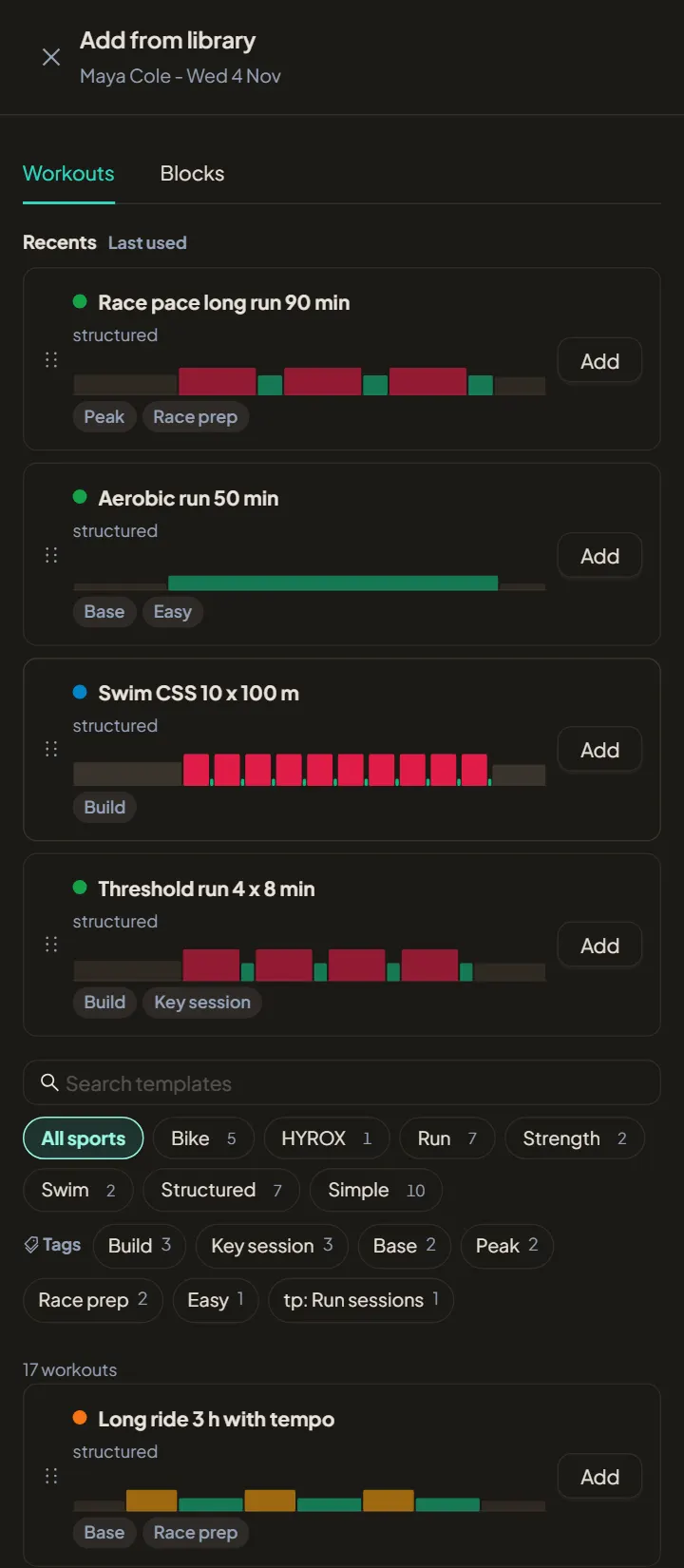
Every card shows the workout profile, the time and the load estimate. Filter by sport or tag, search by name, and use Recents in Add from library to reach what you used last.