
Support
Blocks, week goals and applying by end date
Save one to four weeks as a block with weekly goals and a race inside it, then assign it to several athletes from a start date or backwards from race day.
Block history
History on a block card shows every time you used it and for whom. Remove the future sessions for one athlete or all of them; past and done sessions stay, and the athlete is notified.
Travel and limited days
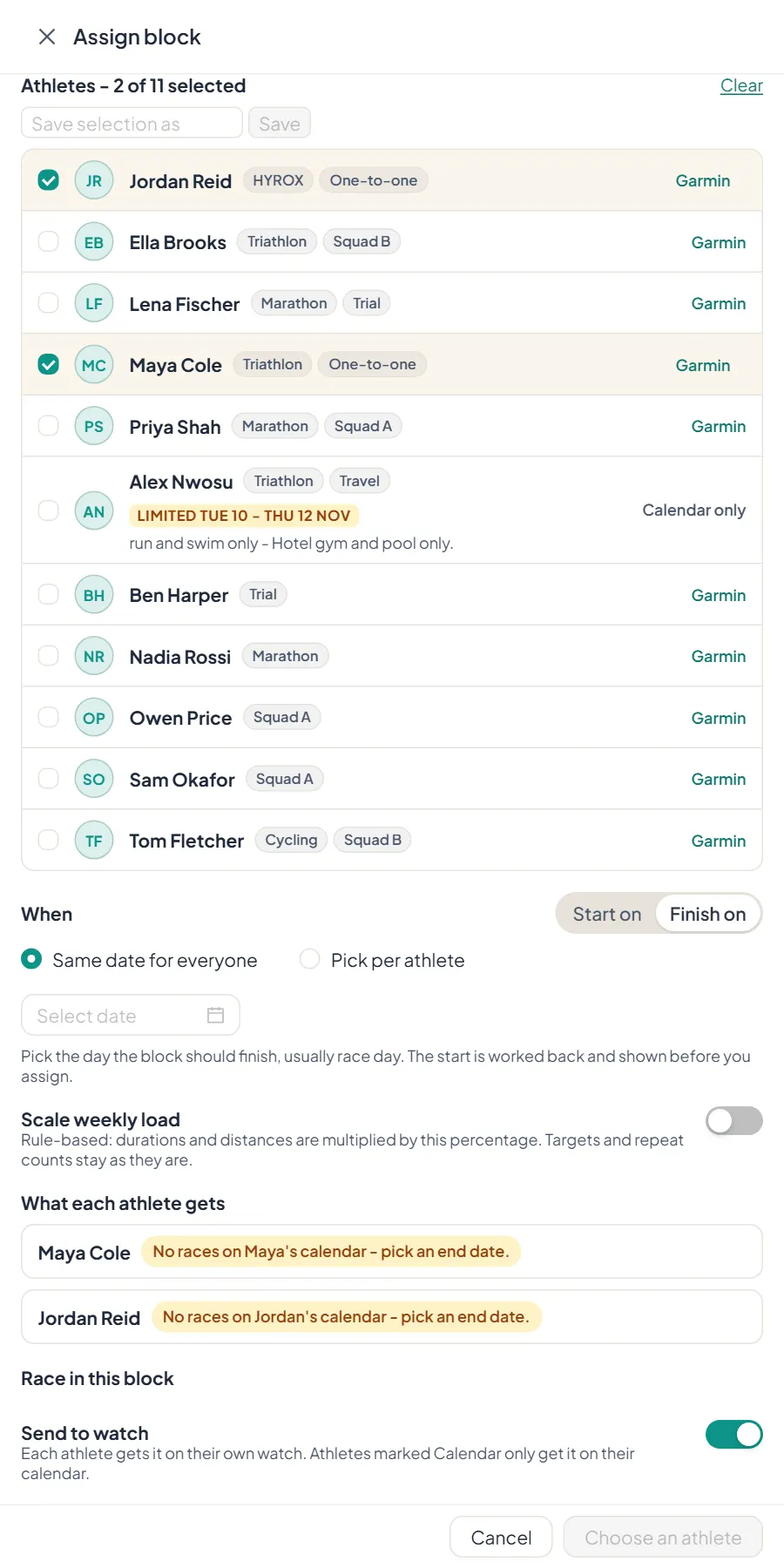
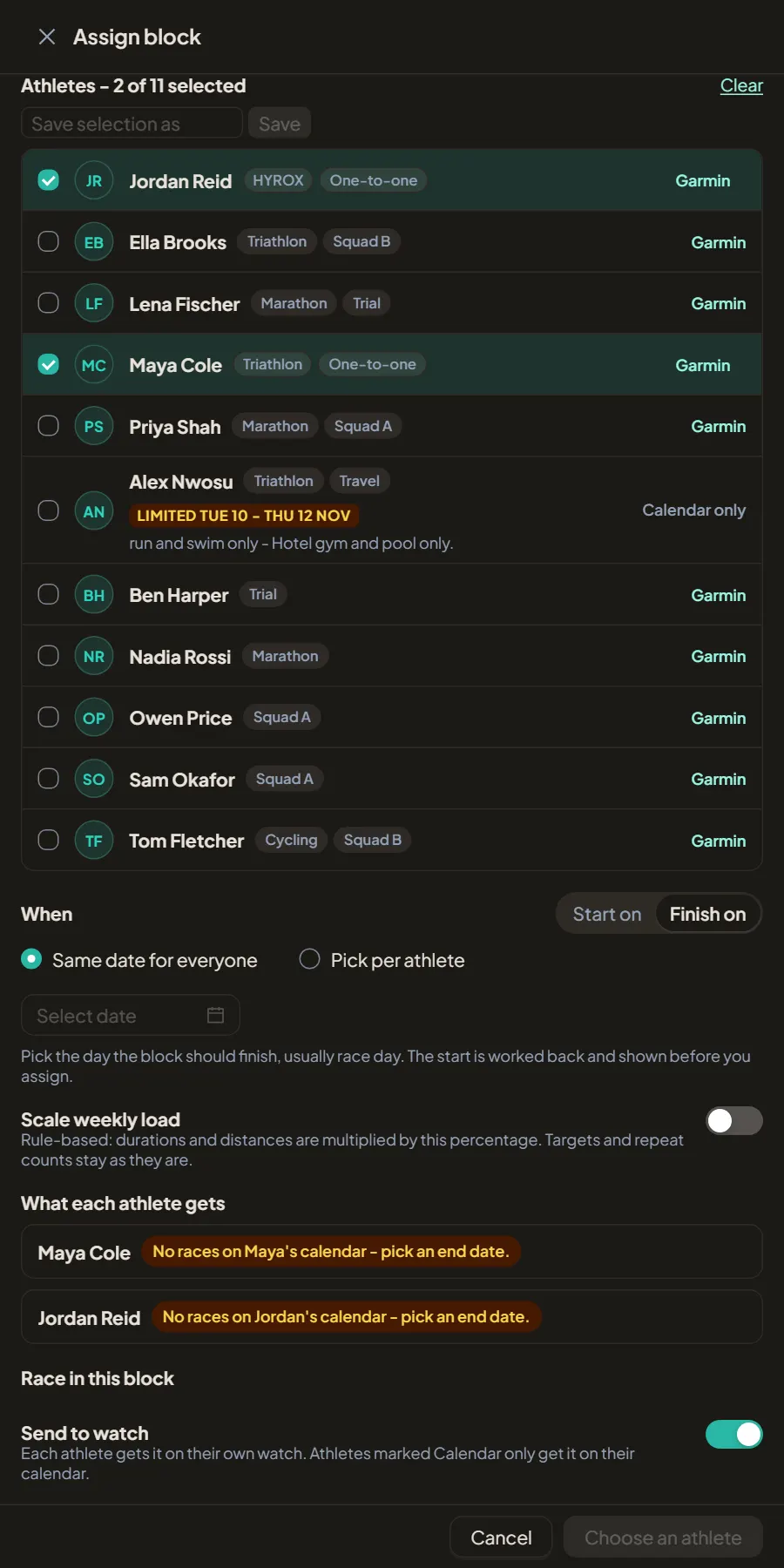
Athletes can mark days as away or limited to some sports. The assign drawer shows a Limited or Away badge with dates and the athlete's note, and says which sessions fall outside what they can do. It warns, it does not block.
Steps
1. Build the block
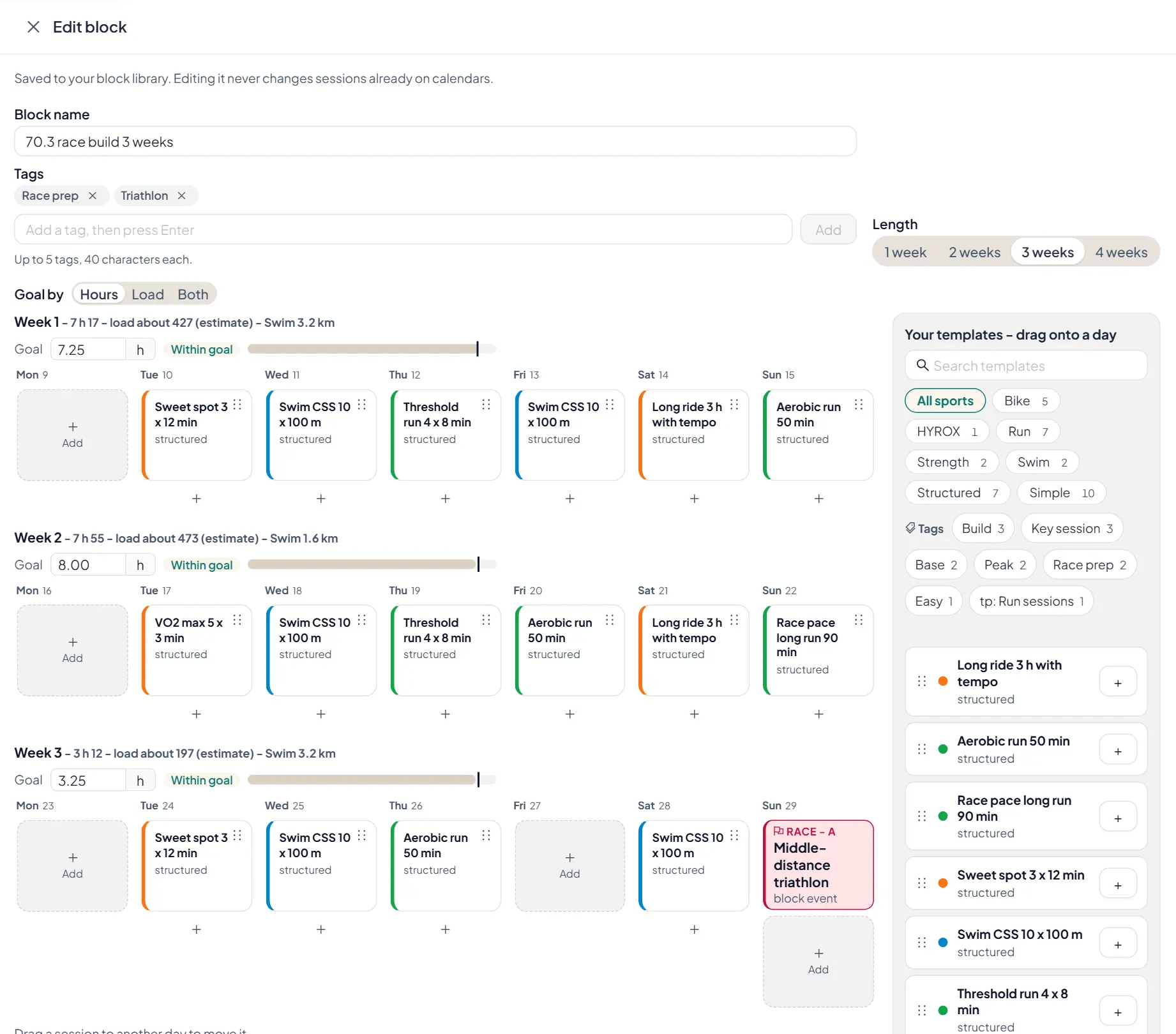
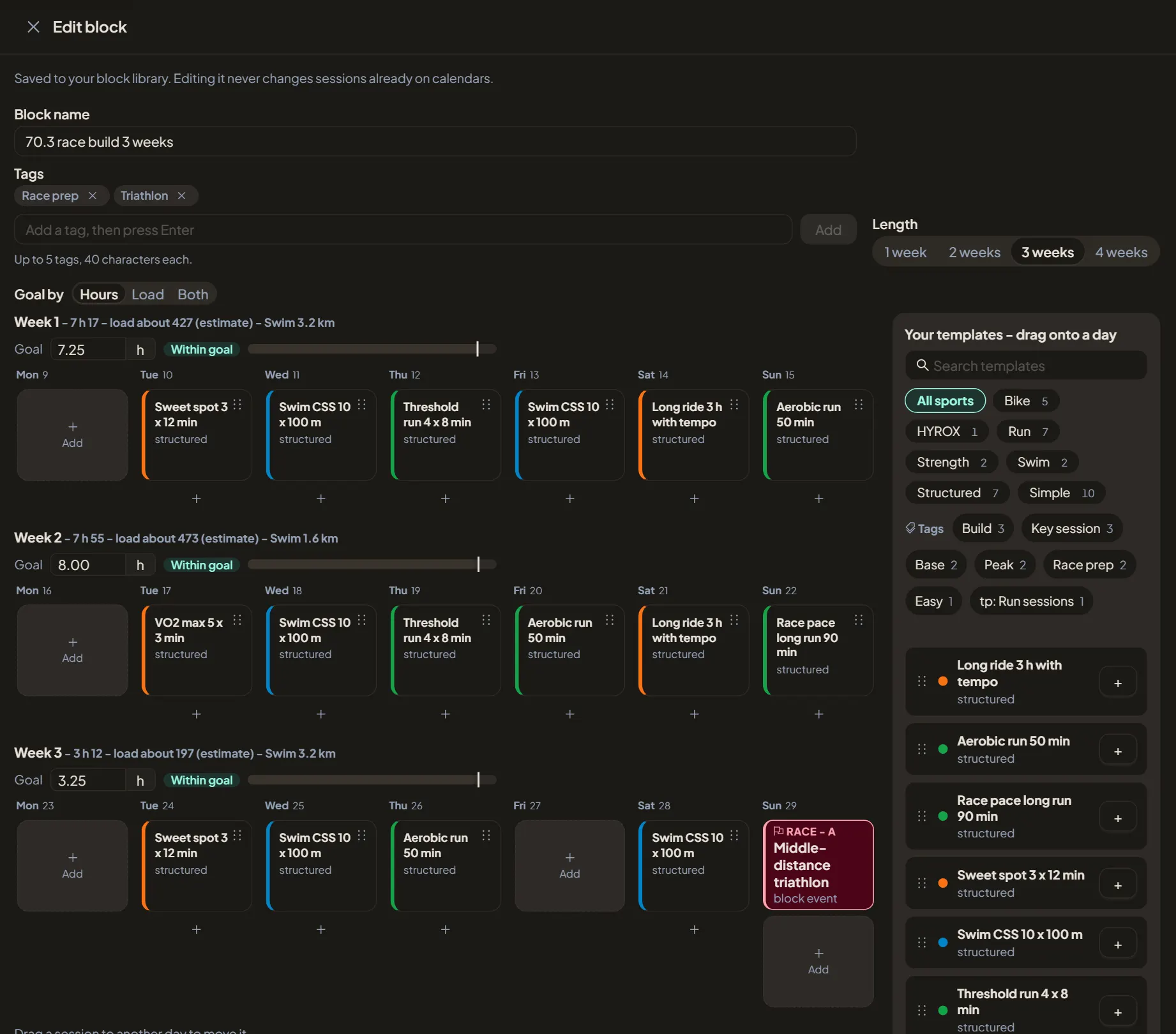
On Blocks, choose New block, or Save as block from an athlete's calendar to keep weeks you already wrote. Pick 1 to 4 weeks, then drag workouts from your templates onto the days. Drag a session to another day to move it.
2. Set week goals
Set a goal for each week in hours, load or both. Each week shows what is planned against its goal while you build.
3. Put the race inside the block
Add an event on a block day: a race, a test or something else, with distance and A, B or C priority. When you assign the block, a race links to the athlete's race on that day or adds one to their Races.
4. Assign, by start or by finish
Choose Assign block and tick the athletes. Start on puts day 1 on the date you pick. Finish on works back from the day you pick, usually race day, and shows each athlete's start before you assign. Pick one date for everyone or a date per athlete.
5. Scale and send
Scale weekly load multiplies durations and distances by a percentage; targets and repeat counts stay as built. Turn on Send to watch to put the sessions on each athlete's watch where they allow it. You can undo for a few seconds after you assign.