Support
Getting started as a coach
Set up the DataFrame.fit coach portal in a few minutes: become a coach, invite your first athlete, add a workout to your library and put it on their calendar.
What you need
A DataFrame.fit account, signed in with Google or an email code. Athletes need their own account; most link Garmin so you see what they did, and Garmin athletes can get your sessions on the watch.
Where things are
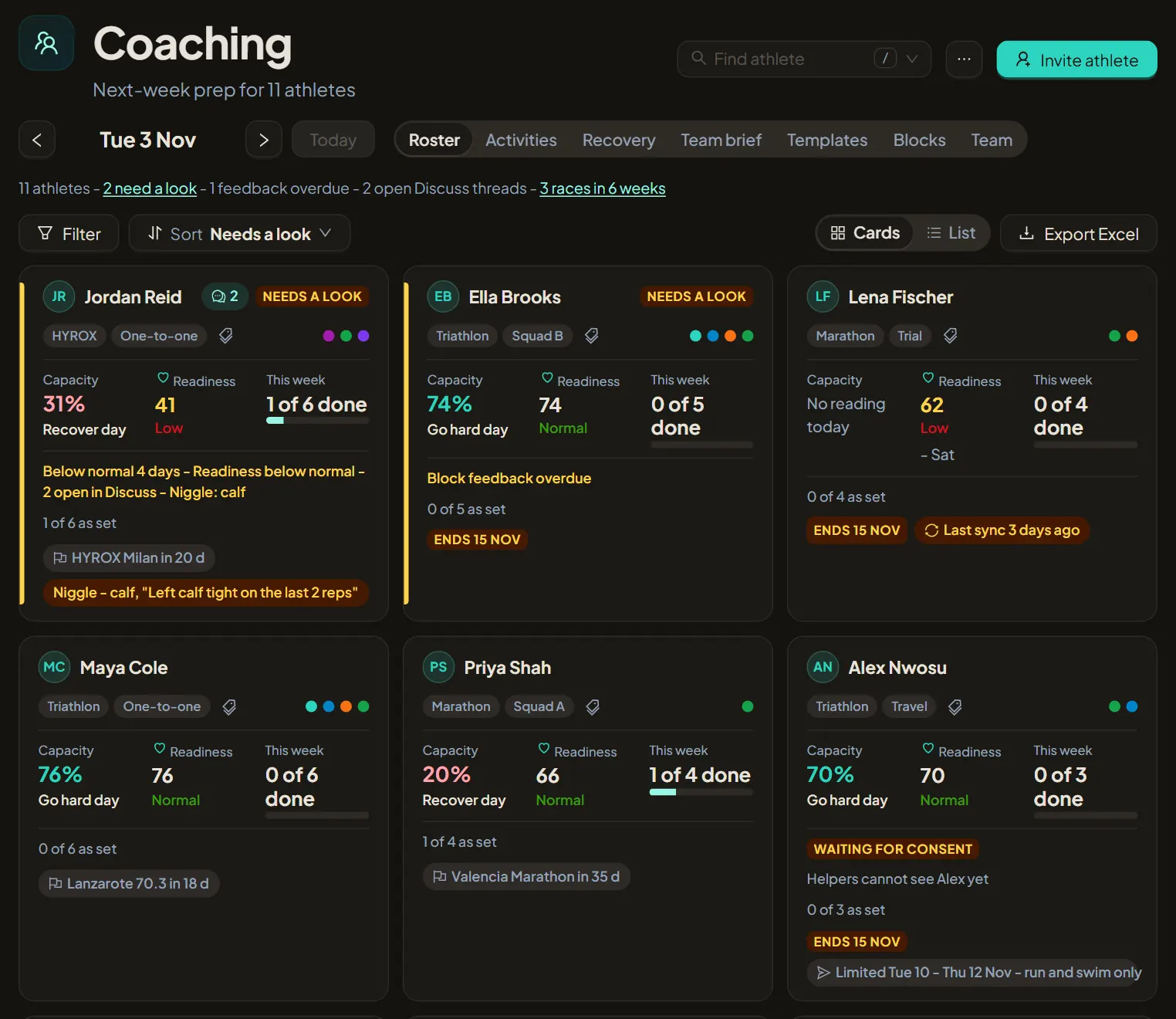
Coaching has seven tabs, and each athlete has their own page.
- Roster - the whole squad, with Filter and Sort
- Activities - what athletes did on the day you pick
- Recovery - HRV, sleep and readiness against each athlete's own range
- Team brief - one line per athlete, grouped by what needs you
- Templates and Blocks - your library
- Team - helper coaches
Steps
1. Become a coach
Open Settings, then Coaching, and choose Become a coach. Pick the name athletes will see; a short bio and photo are optional. Settings then has an Athlete / Coach switch, and Coaching appears in the menu. Your own training stays private and you keep your own Calendar.
2. Follow the Getting started checklist
The Roster tab opens with three steps: add an athlete, create a workout and assign it to an athlete. Each one ticks itself off as you go. Hide the checklist when you are done, or bring it back from the ... menu next to Invite athlete.
3. Invite your first athlete
Choose Invite athlete and enter their email, with tags if you like (Squad A, Marathon, Trial). They accept with the same address and choose what you can see and change. Nothing is shared until they accept.
4. Fill your library
On Templates, choose New template and build a workout in the visual builder, or copy one of the Starter workouts. Coming from TrainingPeaks? Import your library and Training Plans once instead.
5. Read the roster
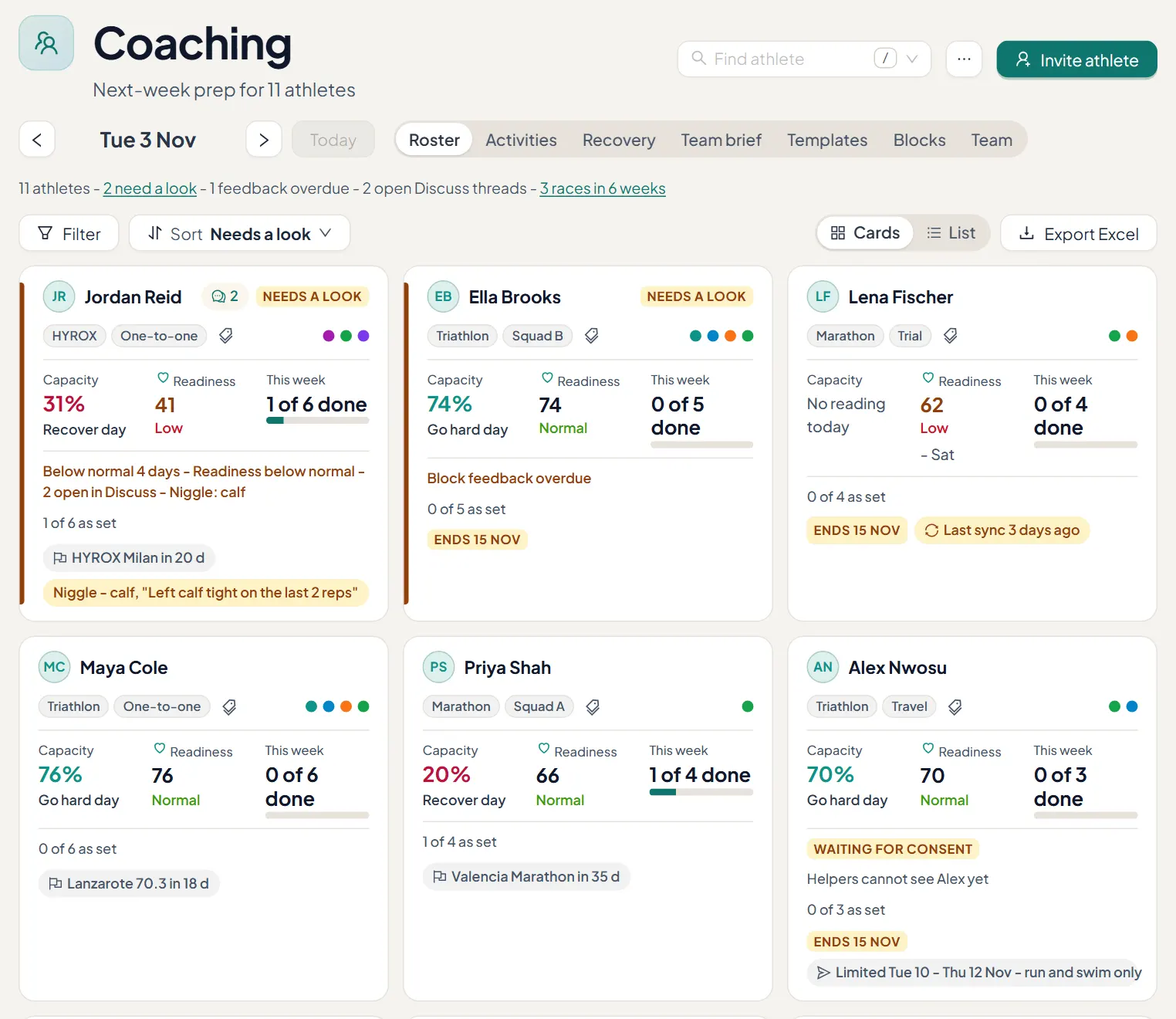
Each athlete card shows today's capacity, HRV, readiness, this week done against planned, the next race and anything that needs you. Filter and sort to find who needs a look first.
6. Plan their week
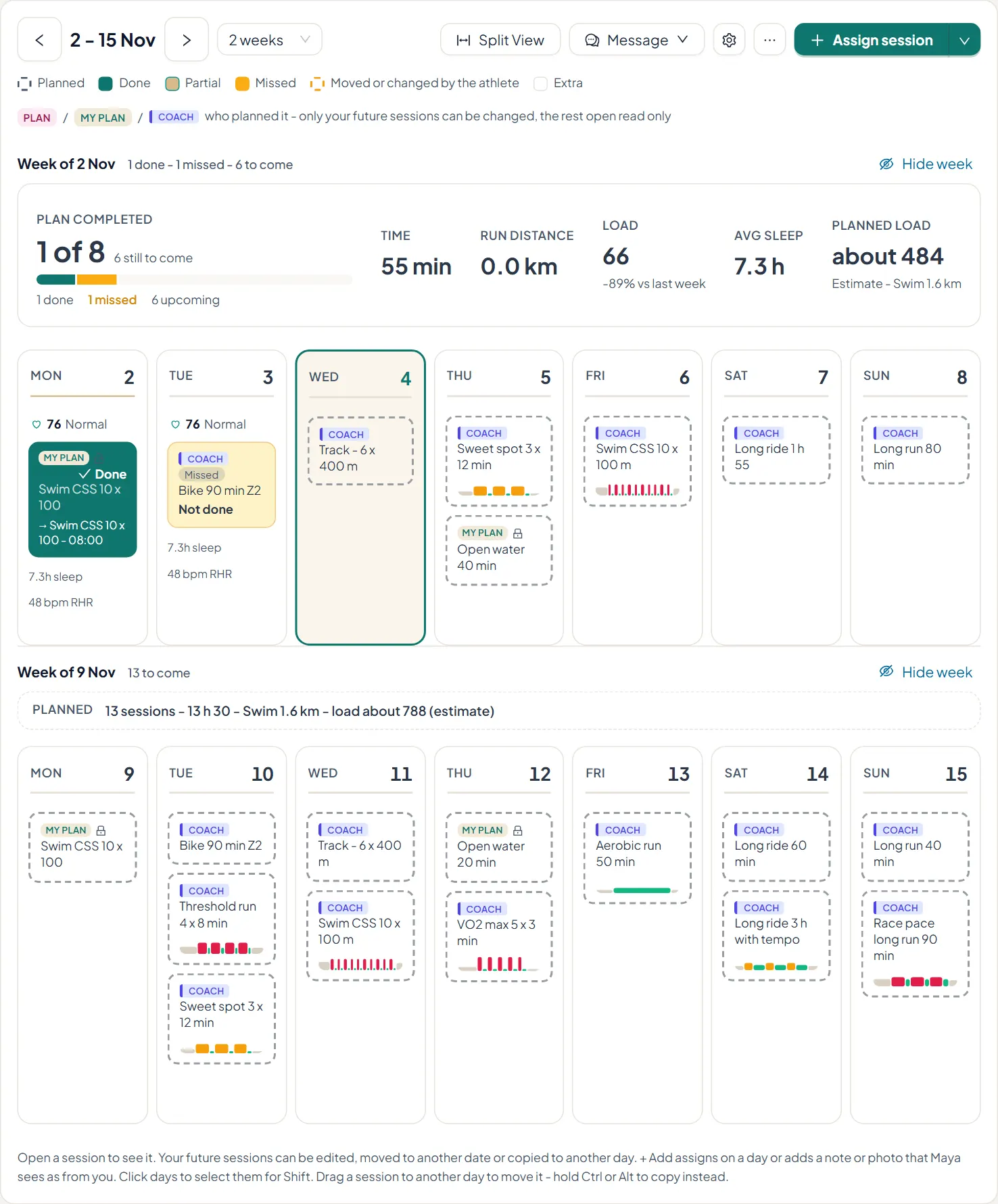
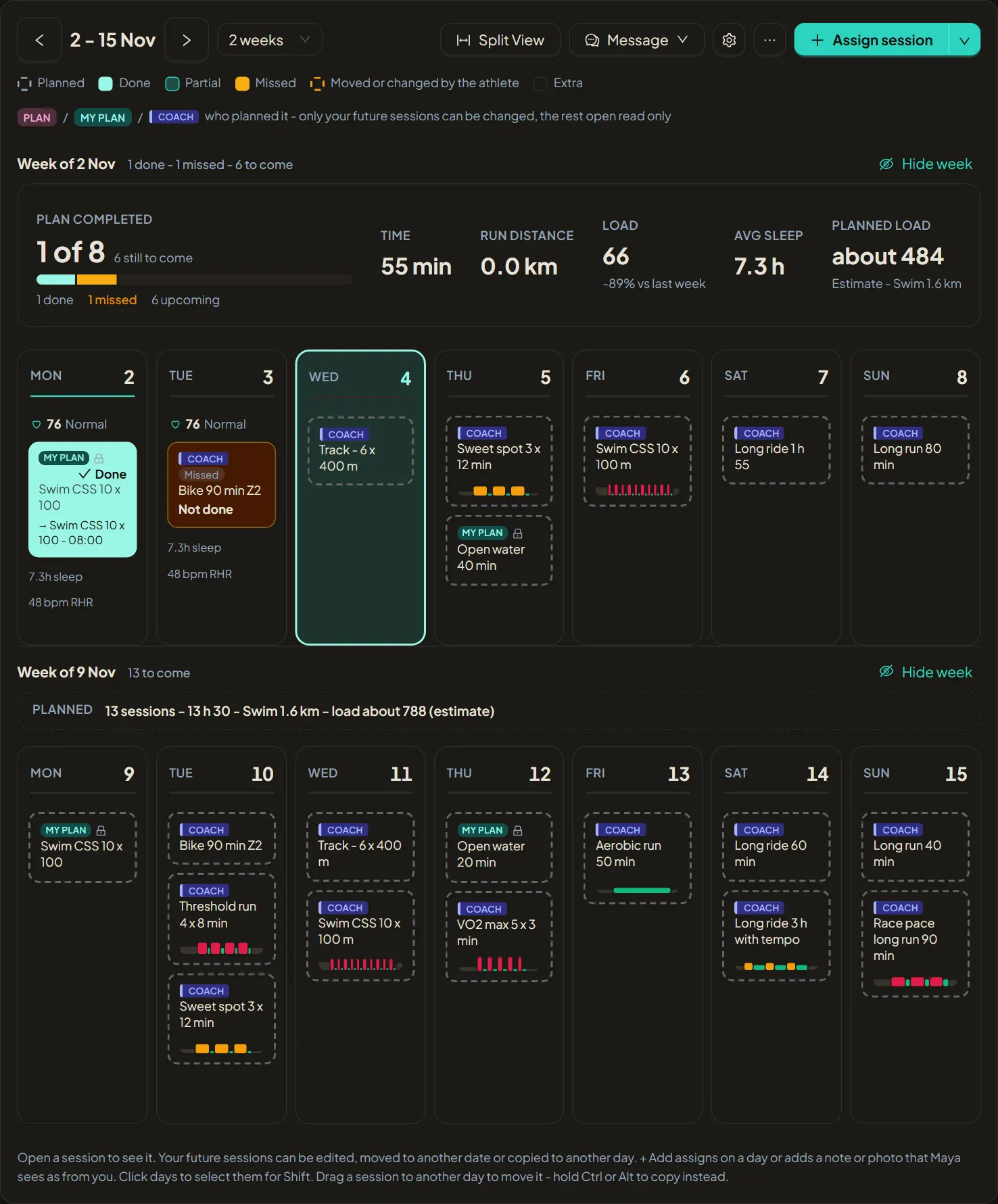
Open an athlete and add a workout or a block from your library onto a day. It lands on their Calendar marked as from you, and on their Garmin watch when they allow it.