Support
Invite athletes and how consent works
How to invite an athlete to your coach portal, what they choose when they accept, how they change or revoke your access, and how coach team consent works for helper coaches.
Coach team consent
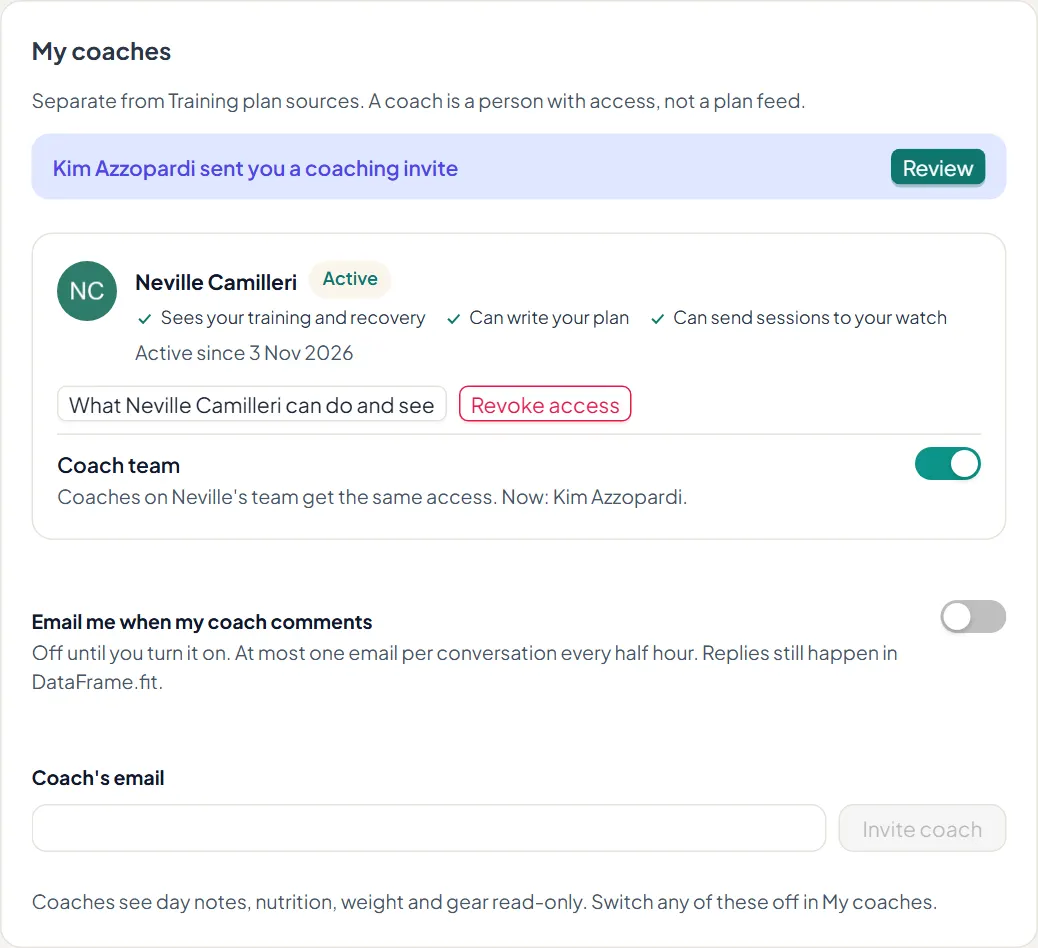
If you work with helper coaches, each athlete decides once whether your coach team may see them. Helpers see an athlete only after that yes, and never get more access than you have. The athlete can switch Coach team off at any time.
Deny by default
Every coach read and write is checked against the link and the athlete's choices. An empty list means nobody, never everyone. The roster, Team brief and Monday email read a daily snapshot, not each athlete's live data.
Steps
1. Send the invite
In Coaching, choose Invite athlete and enter their email. Add your own tags now if you like; only you see them. Until they accept, Athletes in Settings shows Invite sent, and you can revoke the invite there.
2. The athlete accepts with the same email
The athlete opens the link and signs in with the address you invited. If they are new to DataFrame.fit they create an account first, then accept.
3. They choose what you can do
On accepting, the athlete picks each permission. You see the live list in Settings, Athletes. A change applies on your next action.
- Write their plan - add, change and delete the sessions you assigned
- Send to watch - put your sessions on their Garmin watch
- Recovery - sleep, resting heart rate, readiness and HRV against their own range
- Session check-ins - how a session felt, effort and niggles
- Day notes, nutrition, weight and gear - read only
4. They stay in control in My coaches
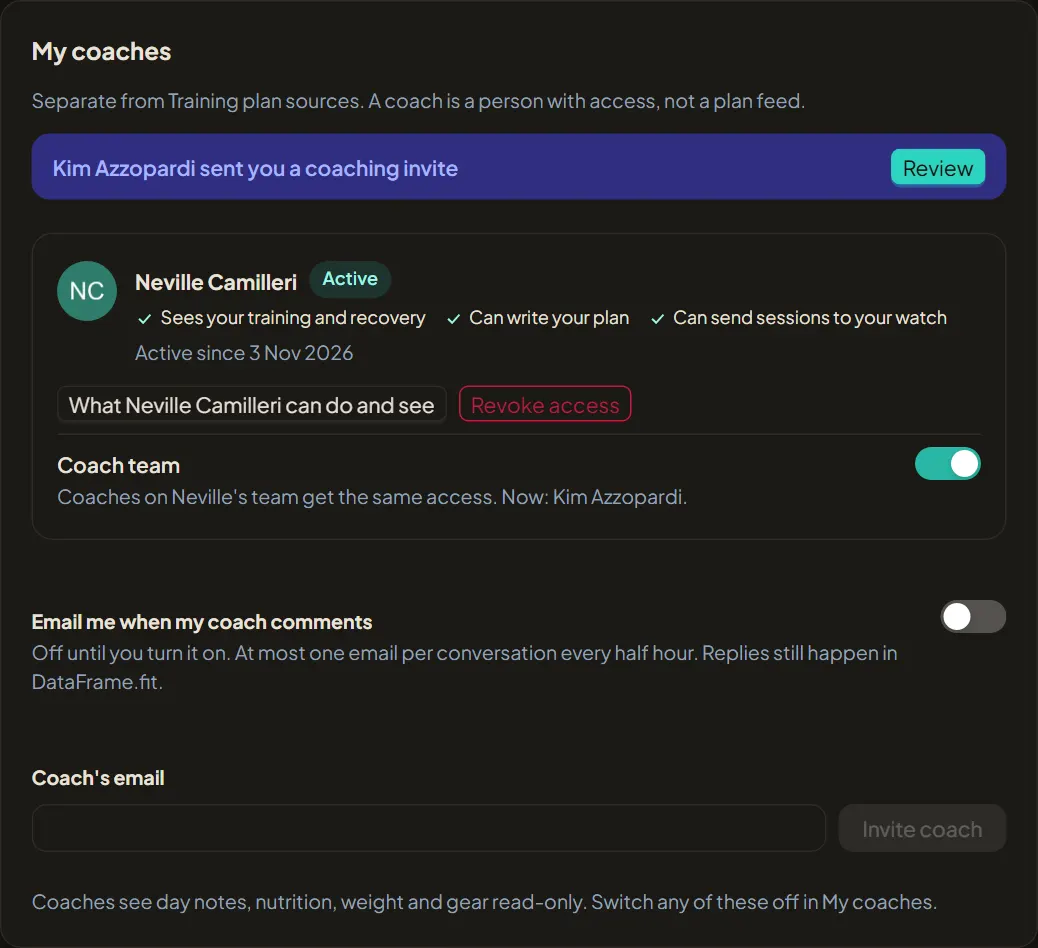
Under Settings, Coaching, My coaches, the athlete sees each coach, what they can do and see, a Coach team switch and Revoke access. Switching something off or revoking takes effect straight away.