Support
What your athlete sees
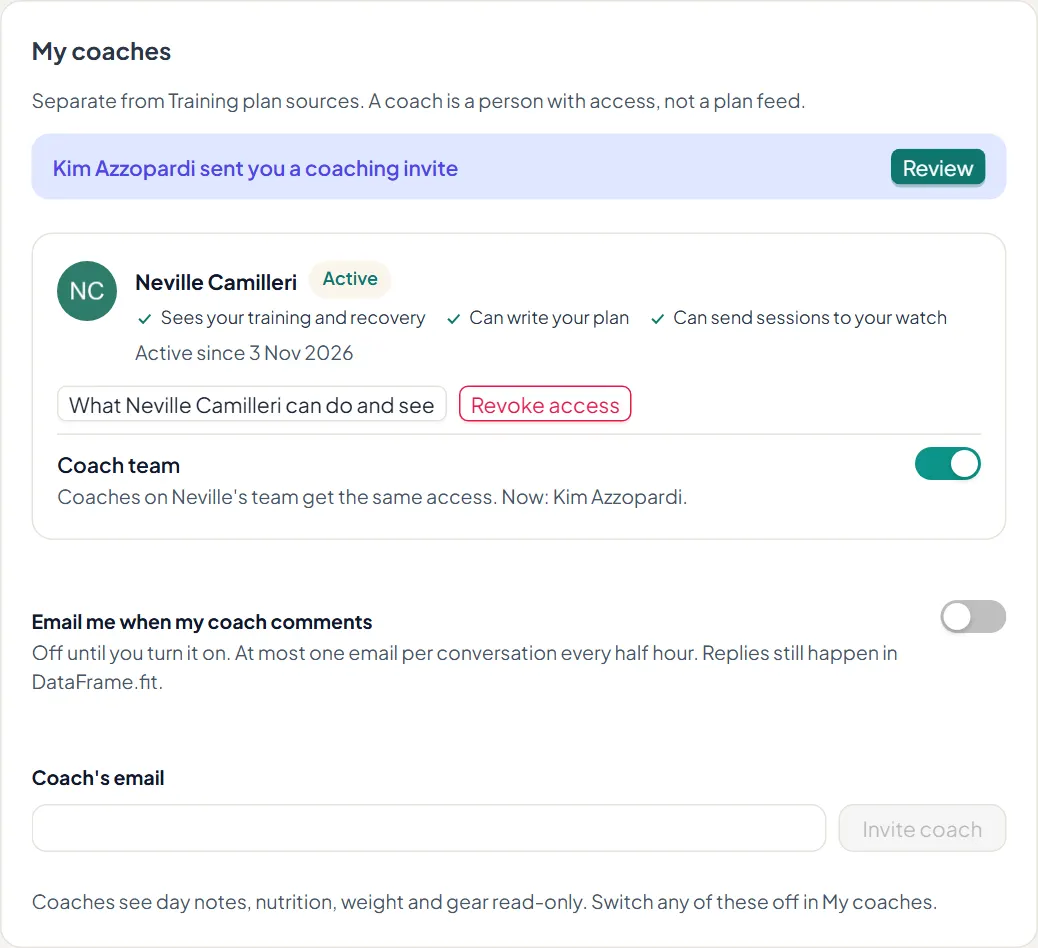
What an athlete sees when you coach them on DataFrame.fit: your sessions on their Calendar and watch, comments and Discuss, feedback requests, zone changes and their My coaches controls.
What they do not see
Your tags, your library, your roster, other athletes and anything you have hidden. Hidden sessions and weeks stay off their Calendar and watch until you show them.
Steps
1. Your sessions on their Calendar
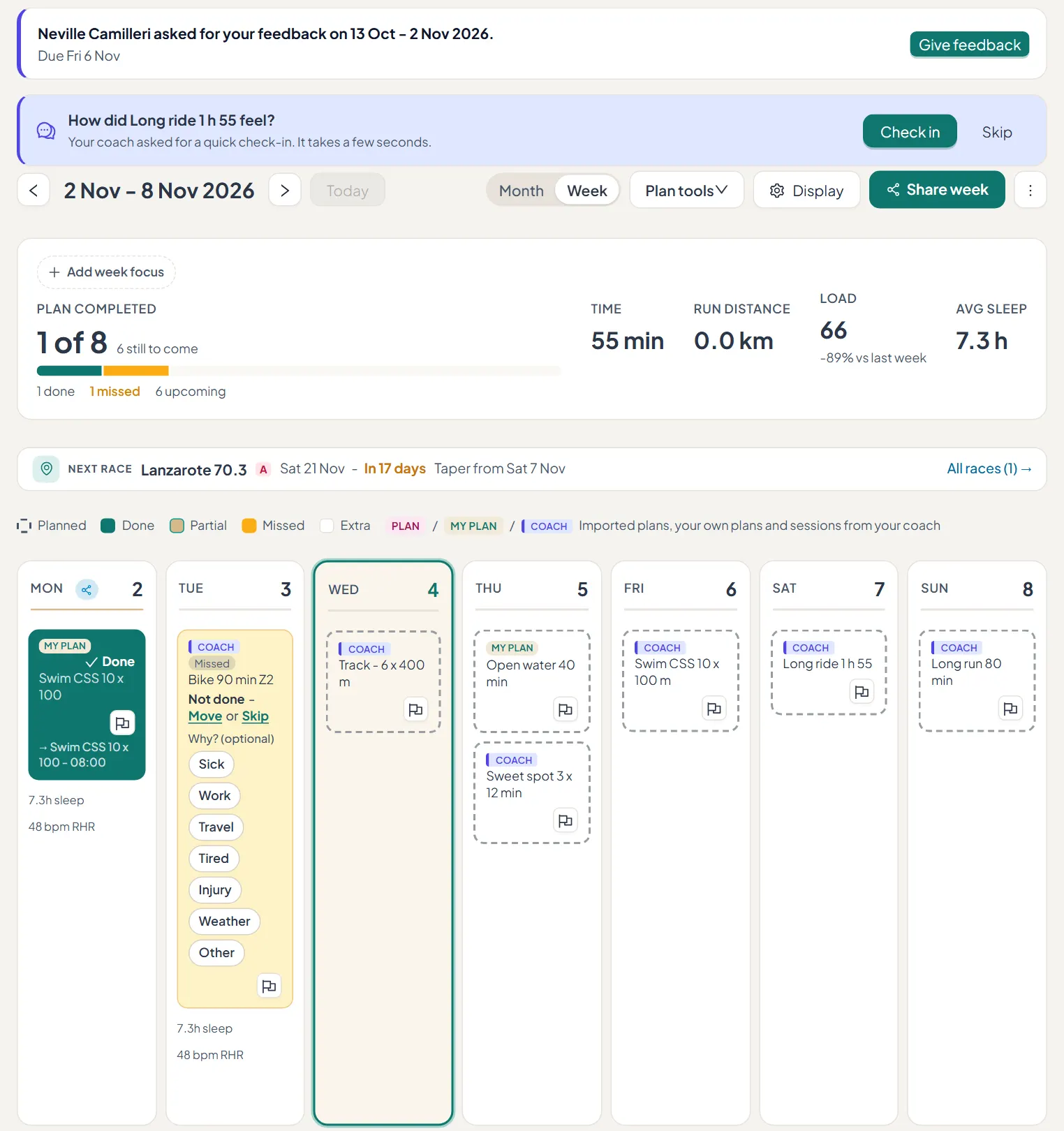
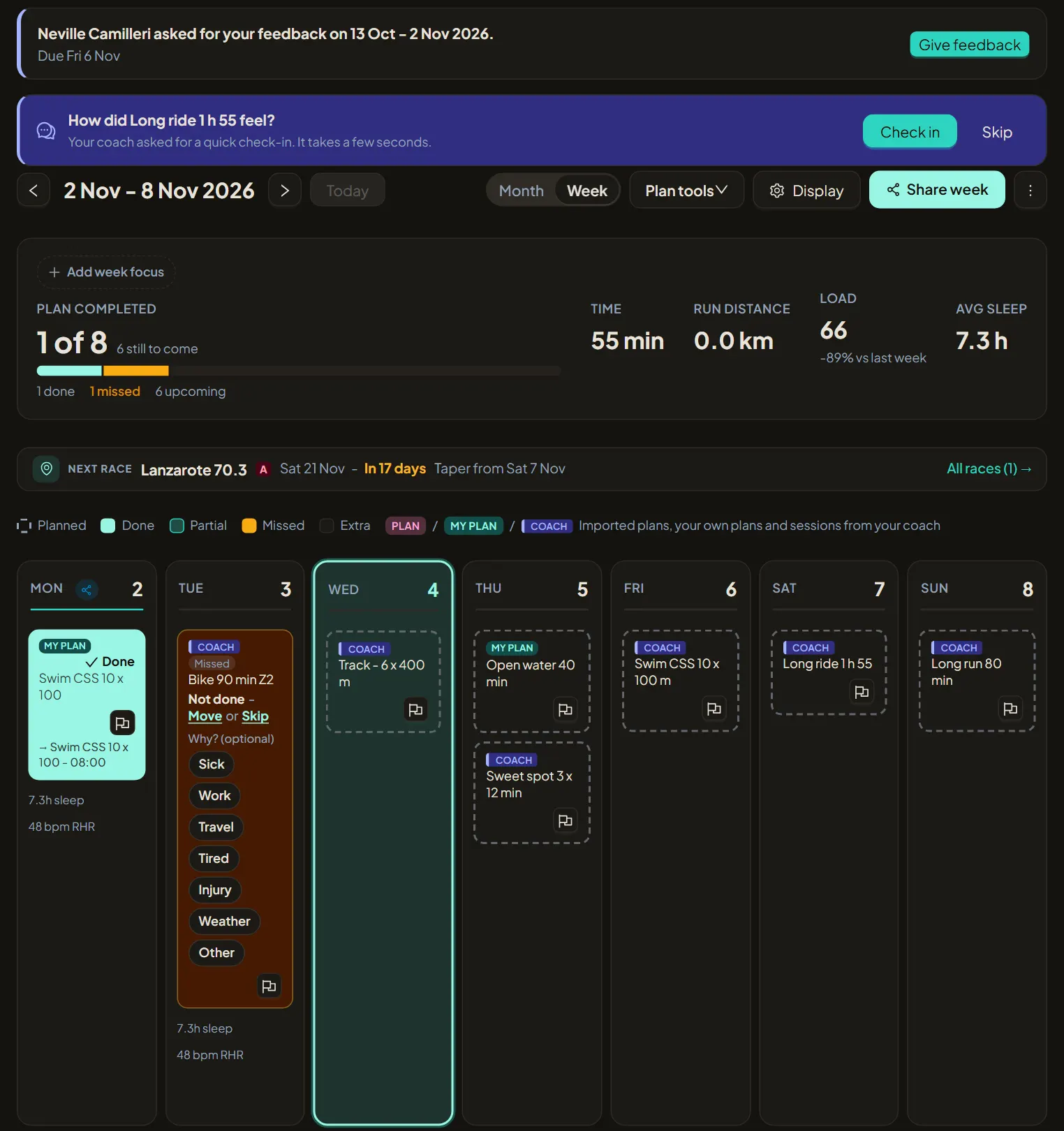
Sessions you assign appear on the athlete's Calendar and Training Plan marked COACH, next to their own MY PLAN sessions, and in Google Calendar if they use that sync. Opening a session shows its steps with targets in the athlete's own numbers. A feedback request or a check-in you asked for shows at the top.
2. On their watch
When the athlete allows Send to watch, your sessions go to their Garmin watch through their own Garmin connection. Move, shift or hide a session and the watch follows. Athletes on Polar see the session on their Calendar.
3. They can still amend
An athlete can change a session you assigned. It keeps your mark and shows on your calendar as moved or changed by the athlete.
4. Notes, comments and feedback
Comments and Discuss threads and block feedback requests reach the athlete in DataFrame.fit, and a note or photo you leave on a day shows on that day. A change to their zones arrives as a notification they can undo.
5. Their controls
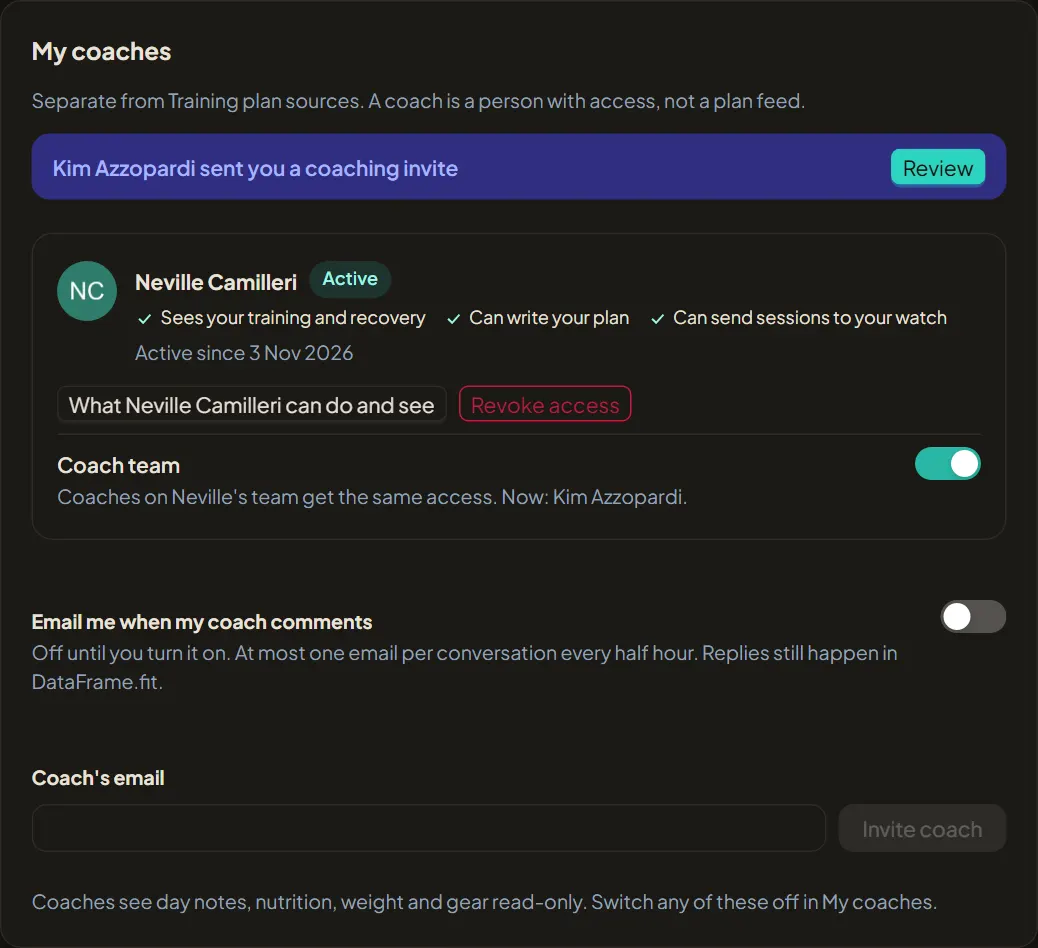
In My coaches the athlete sees every coach, what each can do and see, the Coach team switch, and Revoke access.