
Support
Add helper coaches and choose their access
Invite assistant coaches to your coach team, choose View only or Can edit, tick exactly which athletes, workouts and blocks they can use, and see who is still waiting for athlete consent.
What helpers can and cannot do
Helpers never get more access than you have on an athlete. Sessions a helper writes land as theirs, so everyone can see who planned what. Helpers can copy a granted workout or block into their own library. You can change access or revoke a helper at any time.
Steps
1. Invite a helper
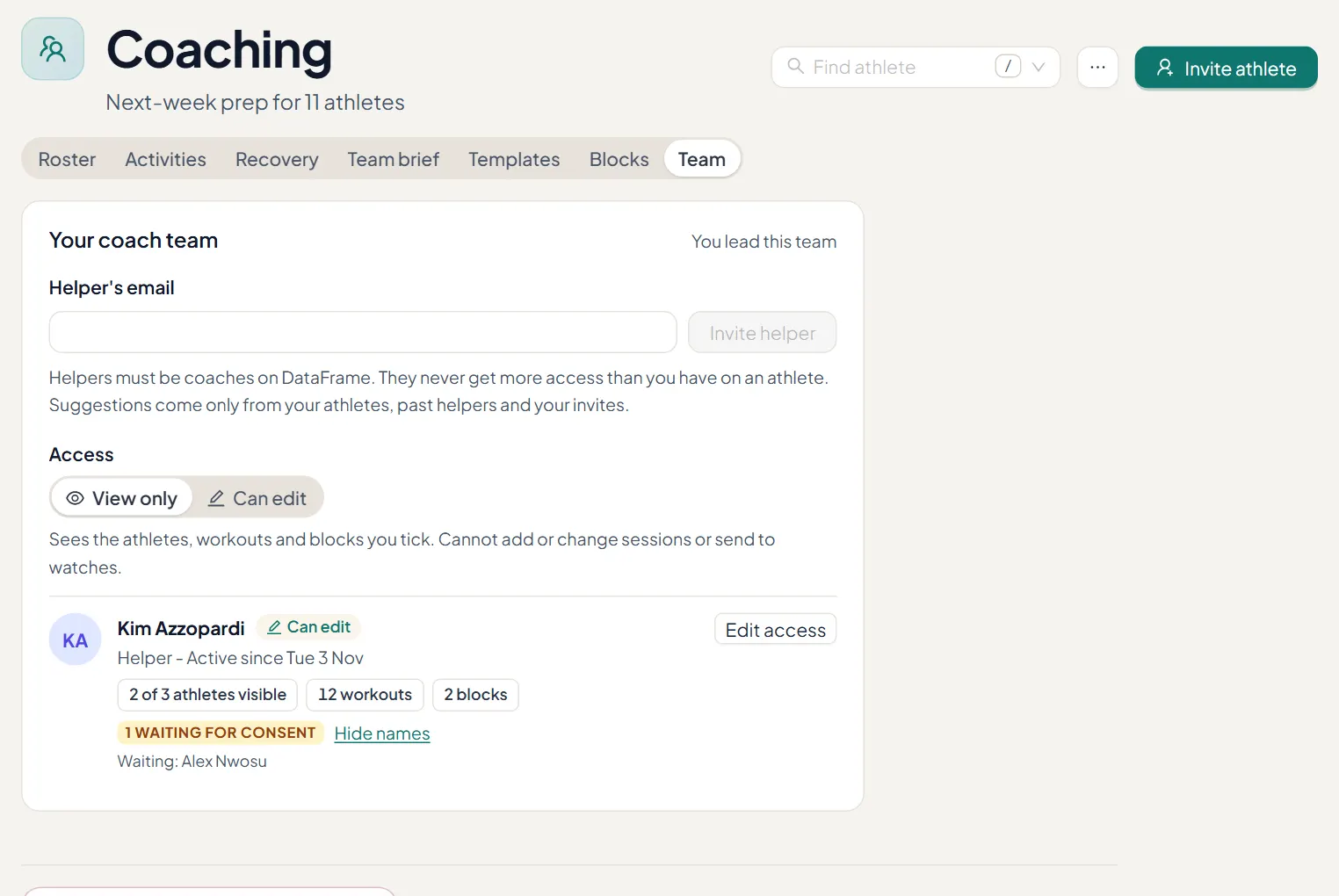
On the Team tab, enter the helper's email. Helpers must be coaches on DataFrame.fit. Suggestions come only from your athletes, past helpers and your own invites.
2. Choose View only or Can edit
View only sees the athletes, workouts and blocks you tick, and cannot add or change sessions or send to watches. Can edit can also plan: add and change sessions on the athletes you tick.
3. Tick what they can use
After the helper joins, choose Edit access and tick athletes, workouts and blocks. Nothing ticked means nothing shared. The card counts what they can see, such as 2 of 3 athletes visible.
4. Wait for athlete consent
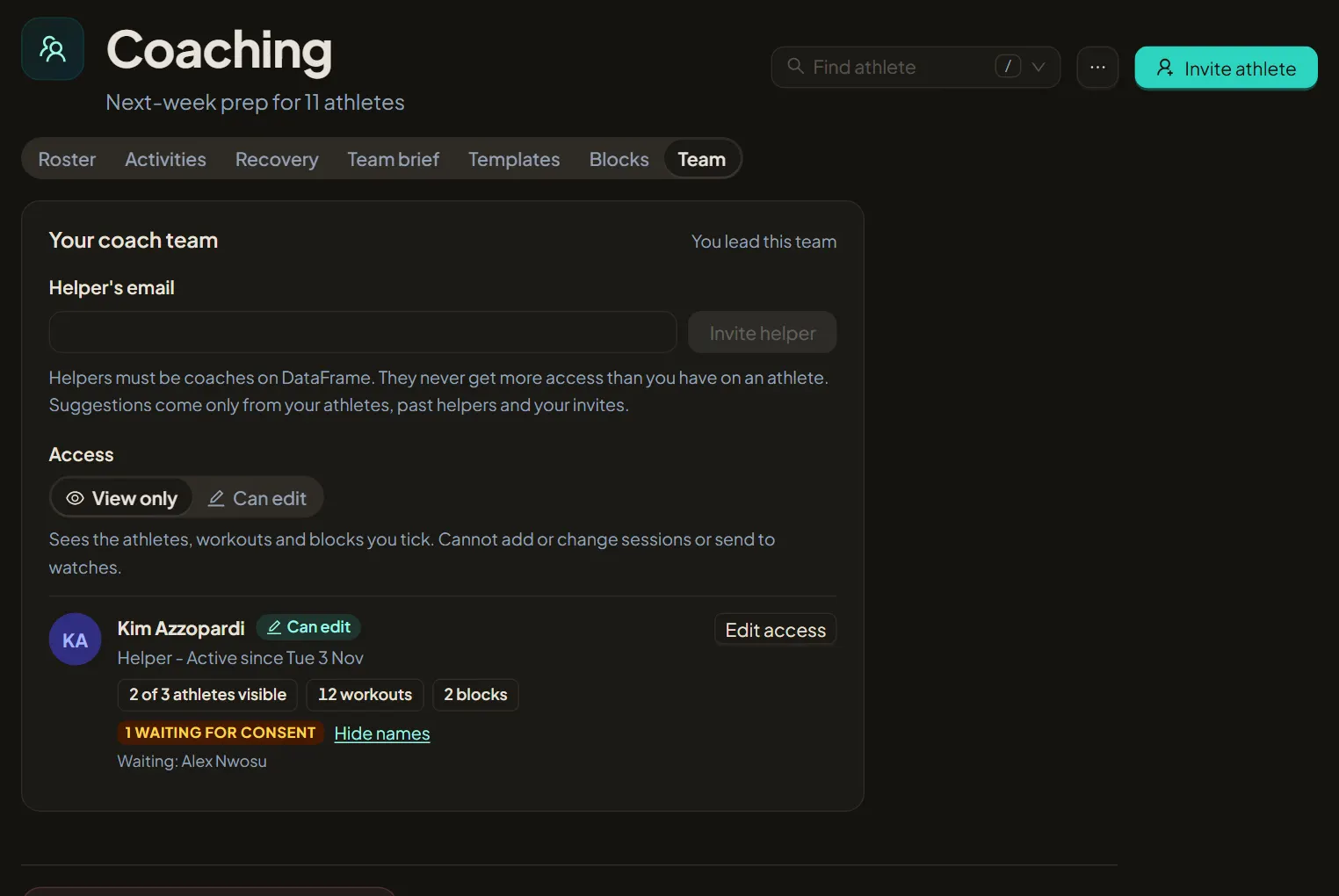
A helper only sees an athlete once that athlete has allowed your coach team. Waiting for consent shows how many have not answered yet; Show names lists them.