Keep WHOOP
The band, recovery, strain, and sleep stay in the WHOOP app
Compare
Not a WHOOP replacement. Keep the band for recovery, strain, and sleep. DataFrame is the decision layer on top: whether today's hard session still fits last night, and whether interval quality is trending the right way.
WHOOP sits alongside Garmin - no plan push to the band
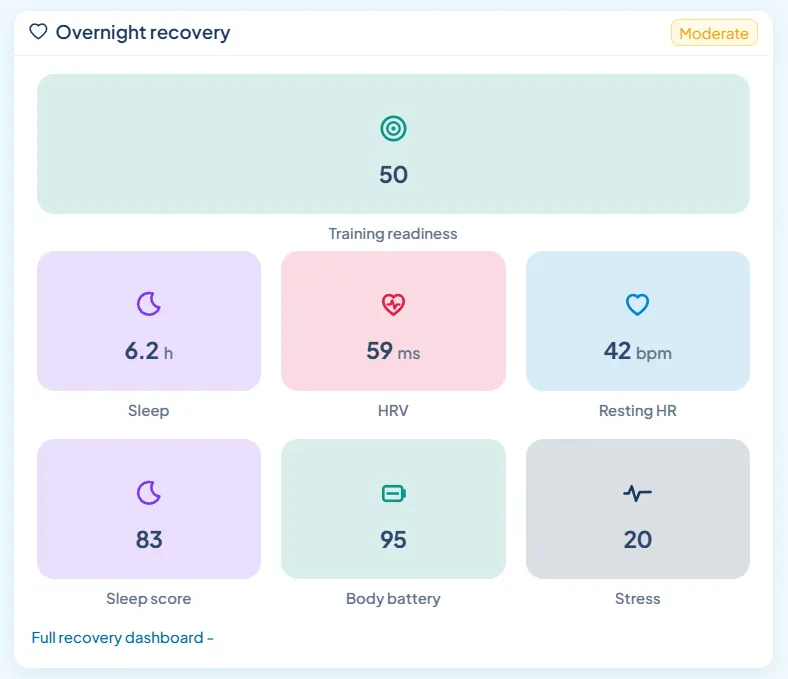
The band, recovery, strain, and sleep stay in the WHOOP app
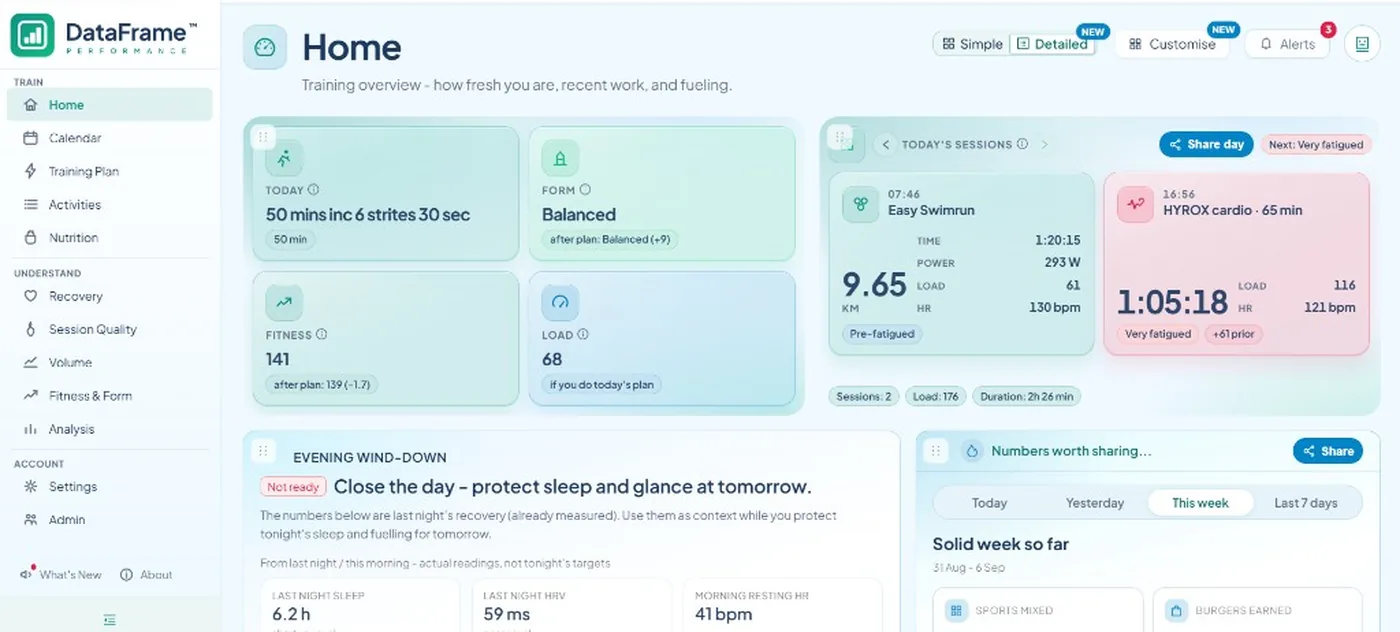
Today's plan, quality, and weeks on top of that night
Watch sessions stay on Garmin when both logged the same workout
Google sign-in - no paid DataFrame plan
| Need | DataFrame | WHOOP |
|---|---|---|
| Wearable pairing and WHOOP settings | No - stay in the WHOOP app | Yes - official WHOOP home |
| Overnight recovery and sleep | Imports recovery, sleep, and strain - prefers WHOOP when that night exists | Source of truth on the band |
| Daily strain | Shows WHOOP strain as a 0-21 score, separate from Garmin daily stress | Strain in the WHOOP app |
| Daily plan check | Yes - recovery next to today's session on Home | Recovery and strain in WHOOP |
| GPS, pace, power, and structured workouts | Strongest from Garmin (or Polar) activities | Workout log without watch-native FIT depth |
| Quality-session trends | Yes - hard-block and same-pattern compare | Session list in WHOOP |
| Week-to-week compare | Yes - load, heart rate, sleep, and Form | Weekly recovery and strain in WHOOP |
| Plan push to a watch | Garmin yes - no plan push to WHOOP | No watch workout push |
| AI assistant access | Yes - MCP with permissions | No |
| Share cards | Activity, day, and week cards | Share from WHOOP |
Keep WHOOP for
Your WHOOP membership, the band, recovery percentage, sleep stages, and strain stay in the WHOOP app. DataFrame syncs those nights and workouts - it does not replace WHOOP.
What DataFrame adds
WHOOP tells you how recovered you are. DataFrame puts that night next to today's planned session, then judges interval quality, bricks, hybrid sports, and whole Monday-Sunday weeks.
There is no plan push to WHOOP. Write the week on Calendar and send structured sessions to Garmin when Garmin is linked.
When Garmin and WHOOP both logged the same workout, the watch activity stays. WHOOP is the overnight recovery source when it has data for that day.
Recovery-aware plan check on Home when Garmin wellness is linked.
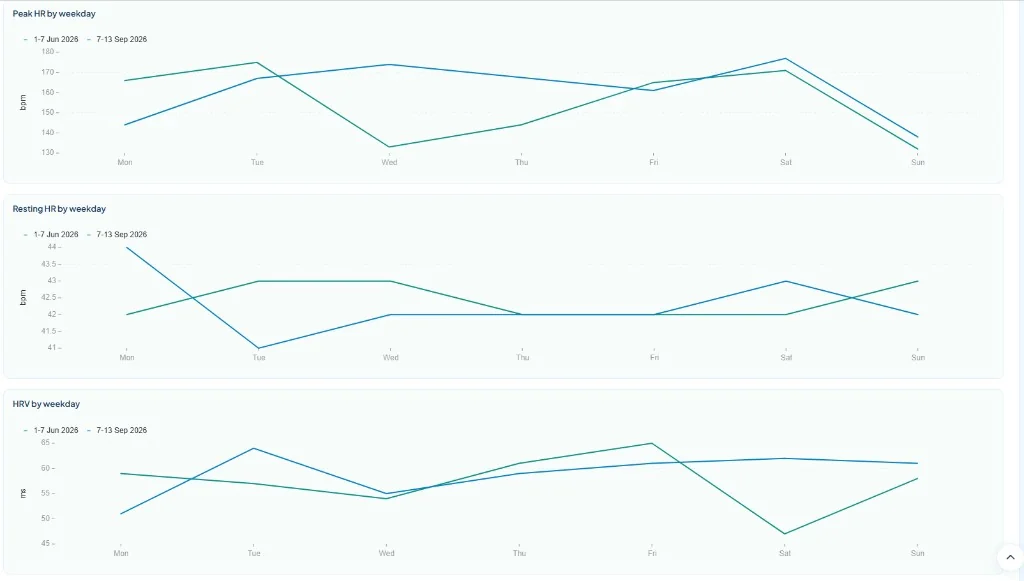
Hard-block compare and same-pattern trends - not only session averages.
Monday-Sunday weeks side by side for load, heart rate, sleep, and Form.
Activity, day, or week cards, plus privacy-controlled public links.
Who this is for
Endurance and hybrid athletes who already wear WHOOP and want quality, bricks, and race-week views without leaving the band behind. Pair Garmin when you want GPS, structure, and plan push.
Yes. Keep WHOOP for the band, live recovery, and strain. DataFrame imports nights and workouts, then adds plan, quality, and week views.
Yes. Workouts, sleep, recovery, and strain still sync. Quality-block depth, GPS charts, and plan push are strongest when Garmin (or Polar) is also linked.
No. Overnight recovery prefers WHOOP when that night exists. Garmin wellness fills the gap on days without WHOOP data.
No. There is no plan push to WHOOP. Garmin watch push stays as it is.
One primary watch (Garmin or Polar) plus WHOOP alongside. See the Garmin + WHOOP page for how DataFrame joins the two.
Decision layer on top of Connect - not a replacement.
How DataFrame joins watch sessions with overnight recovery.
Session analytics on Polar exercises - overnight scores need Garmin.
Watch-native clarity - keep TP for coach delivery if you use it.
What you get beyond Connect after Garmin is linked.